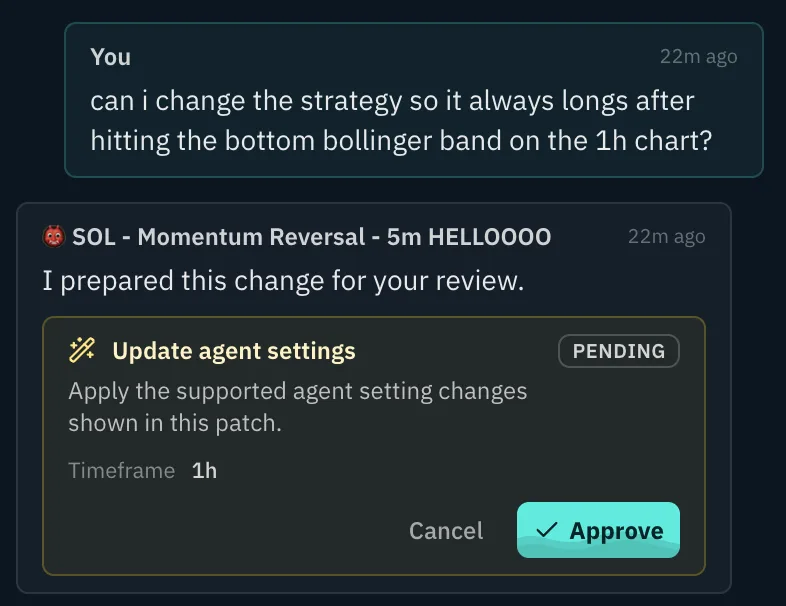
Chat with your Agent
You can chat with your bot to understand the technicals and the decisions it made. Then simply improve your agent by having that conversation and adapting your strategy or risk settings.
Track every bot's performance, chat with your trading agent, and improve its rules with real market context.
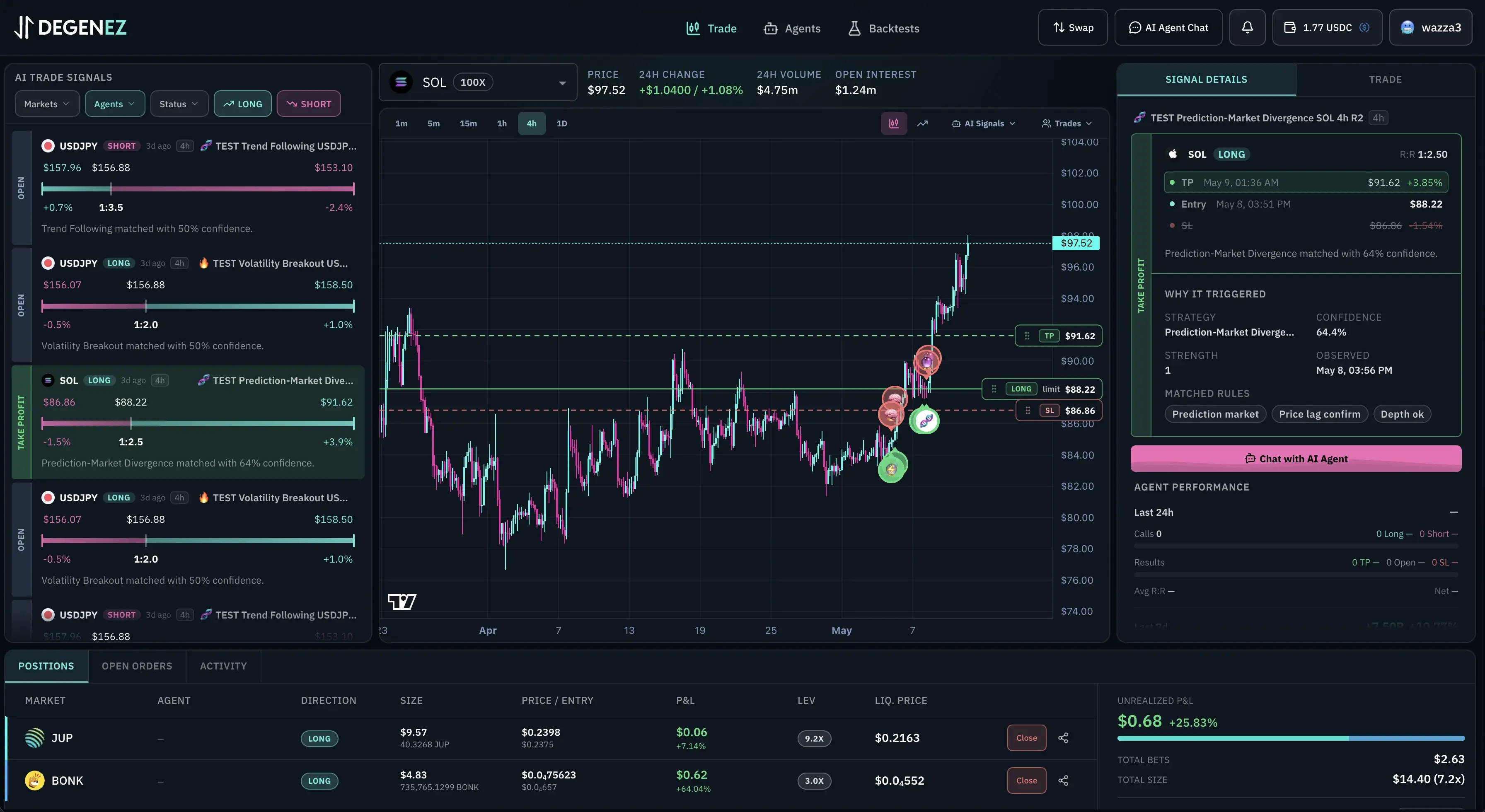
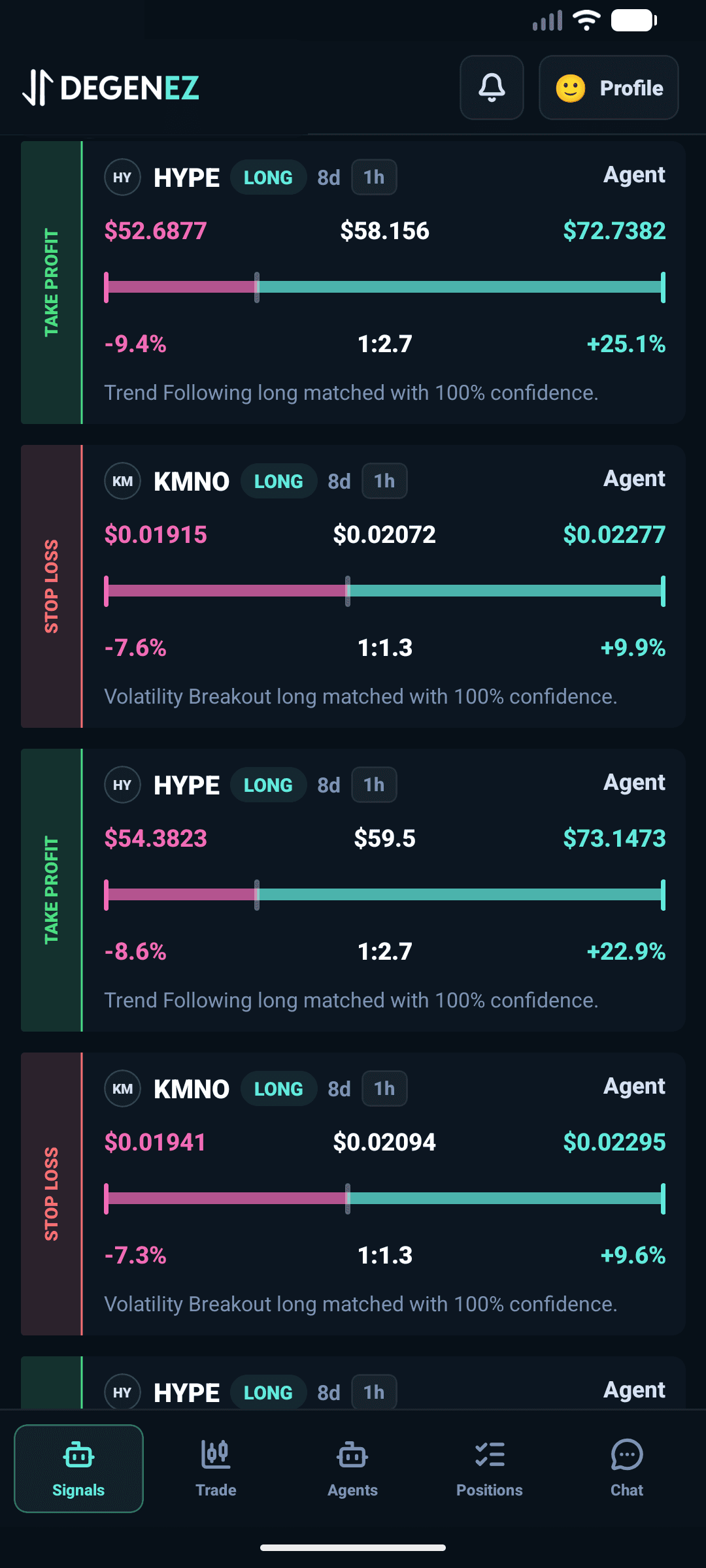
Start with a backtested strategy, monitor live performance, and use agent chat to understand what your bot is doing before you change the next rule.
You can chat with your bot to understand the technicals and the decisions it made. Then simply improve your agent by having that conversation and adapting your strategy or risk settings.
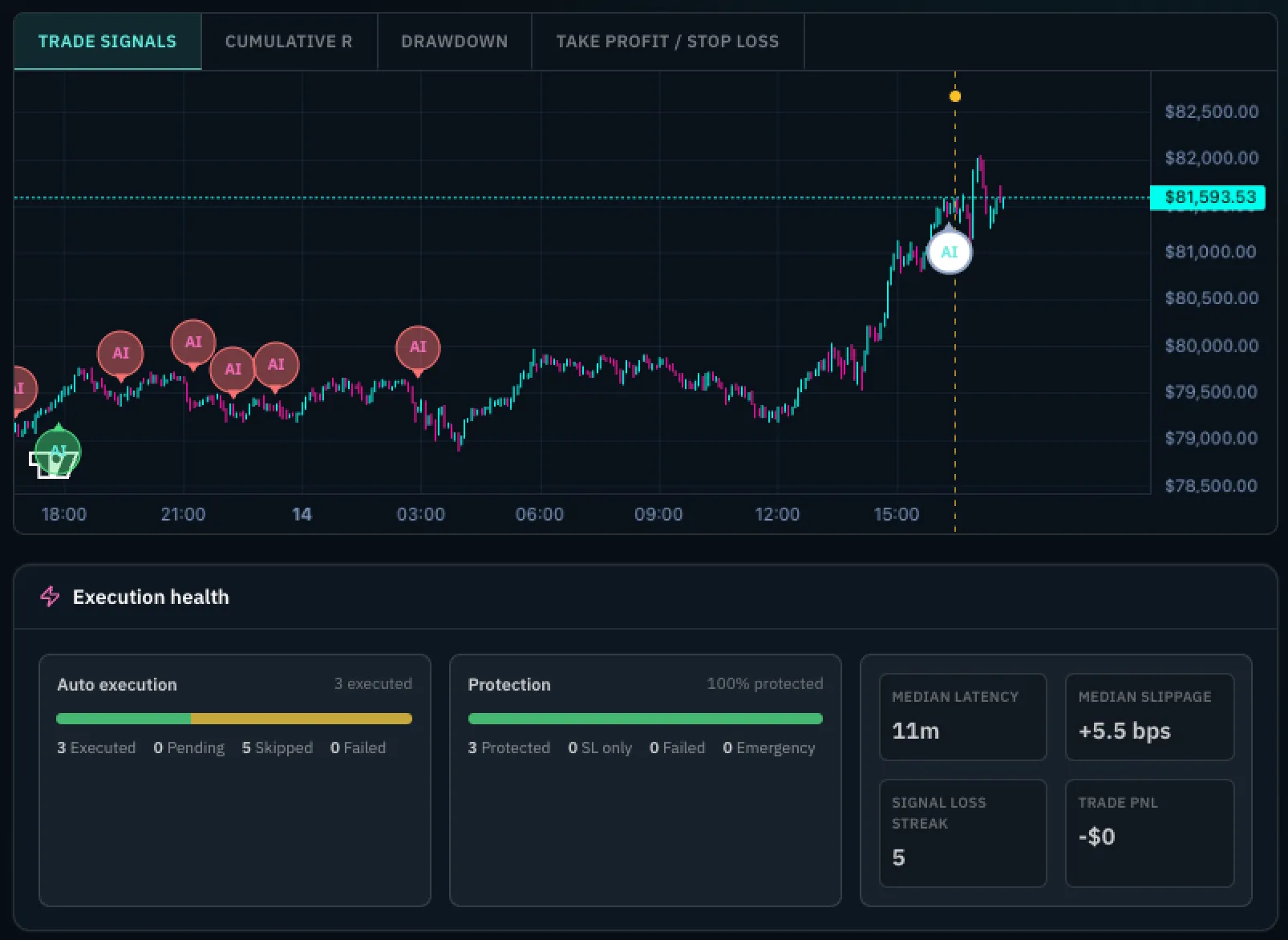
Advanced dashboard showing you all the data you need to analyze and improve your bot. From cumulative R to execution and risk health. Also see how changes affect the performance of your bot. And if you need more info? Just chat with it.
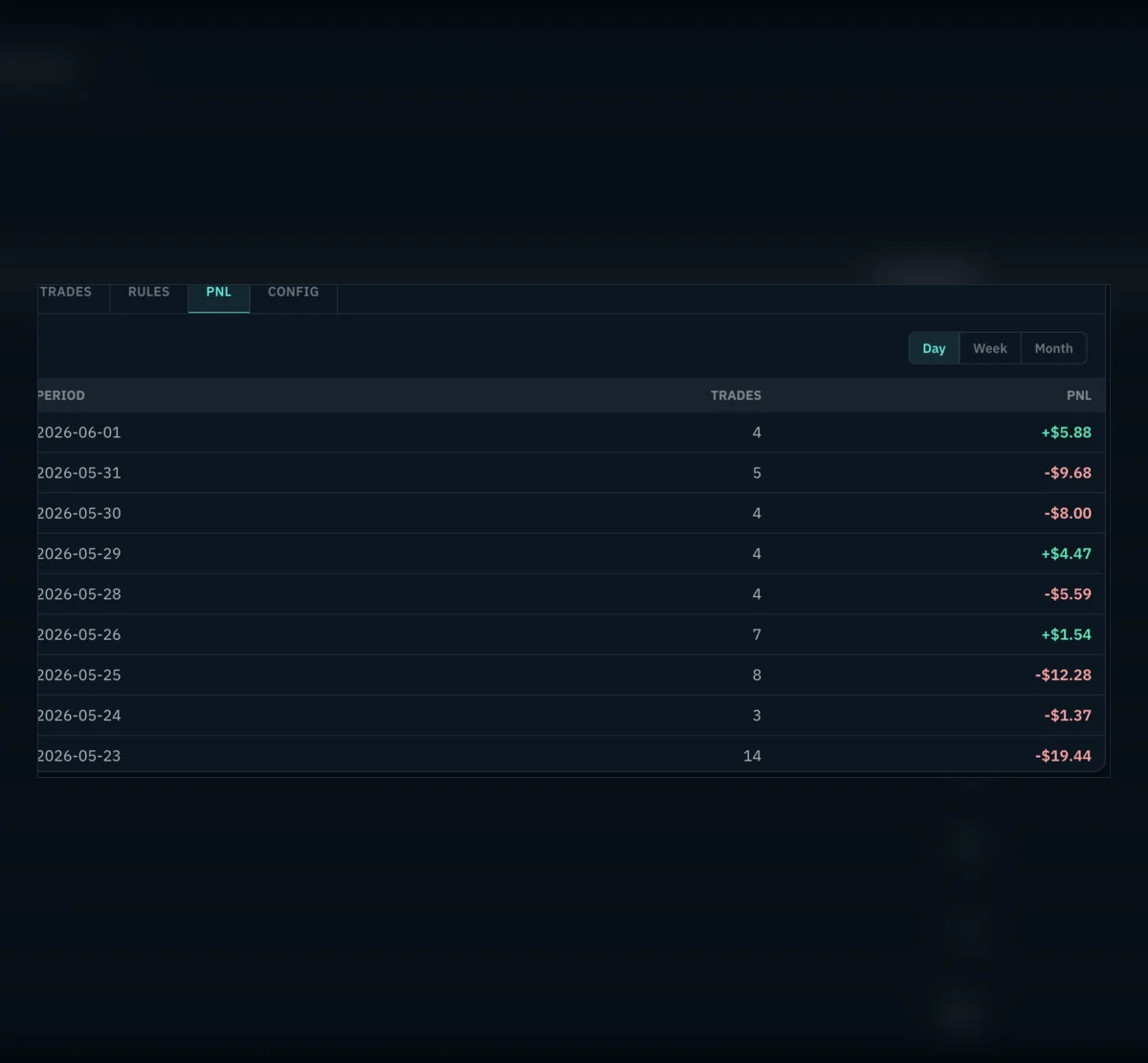
Fine-tune your agent by running backtests and comparing strategies before they go live. Review PnL, trade counts, and rule changes so you can improve profitability with evidence instead of guesswork.
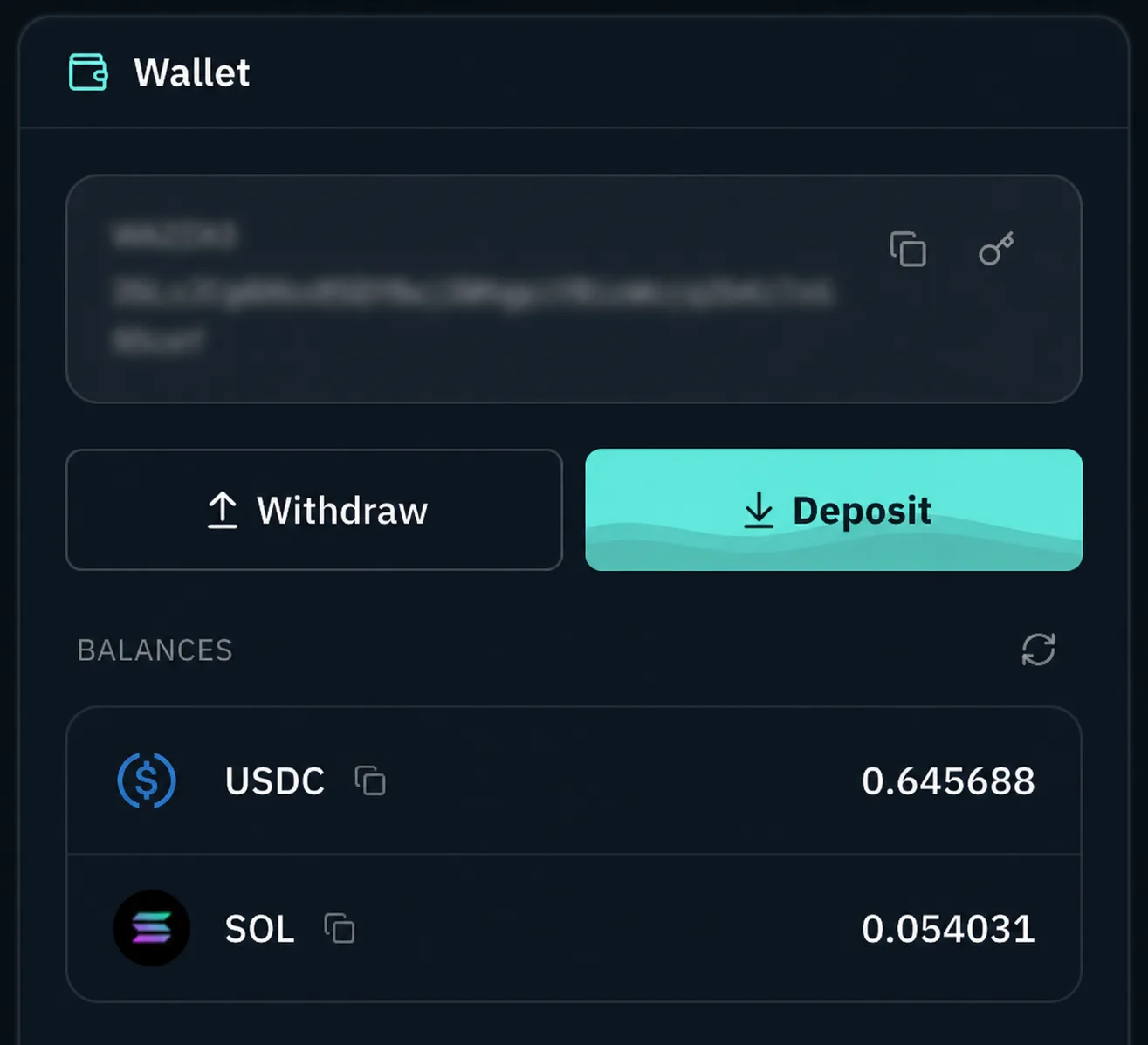
You manage your own wallet, which is powered by Privy (part of Stripe). Deposit only what you want to use for trading, so it's fully isolated. We do not have access to your private keys.
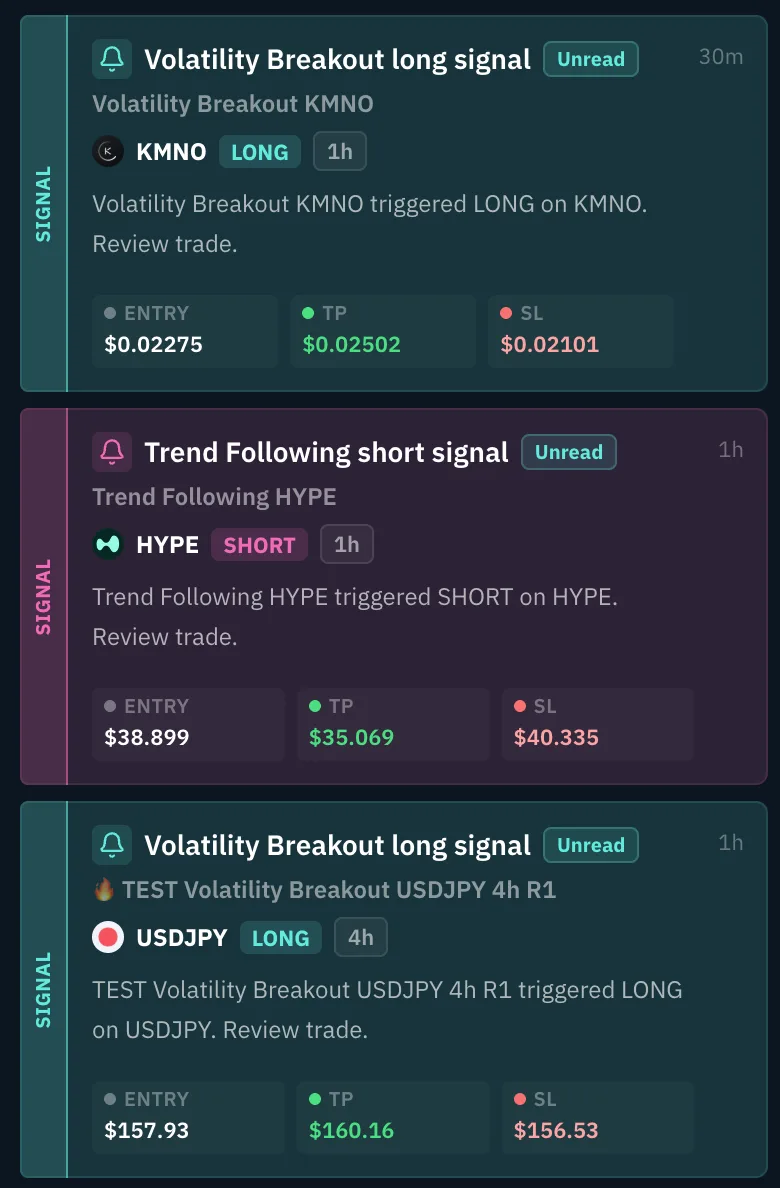
Not willing to have your agent trade for you? No problem, you can also just have your agents notify you when they receive a signal. Then you determine if you want to take action or not. All other features like tracking and chatting are also available.
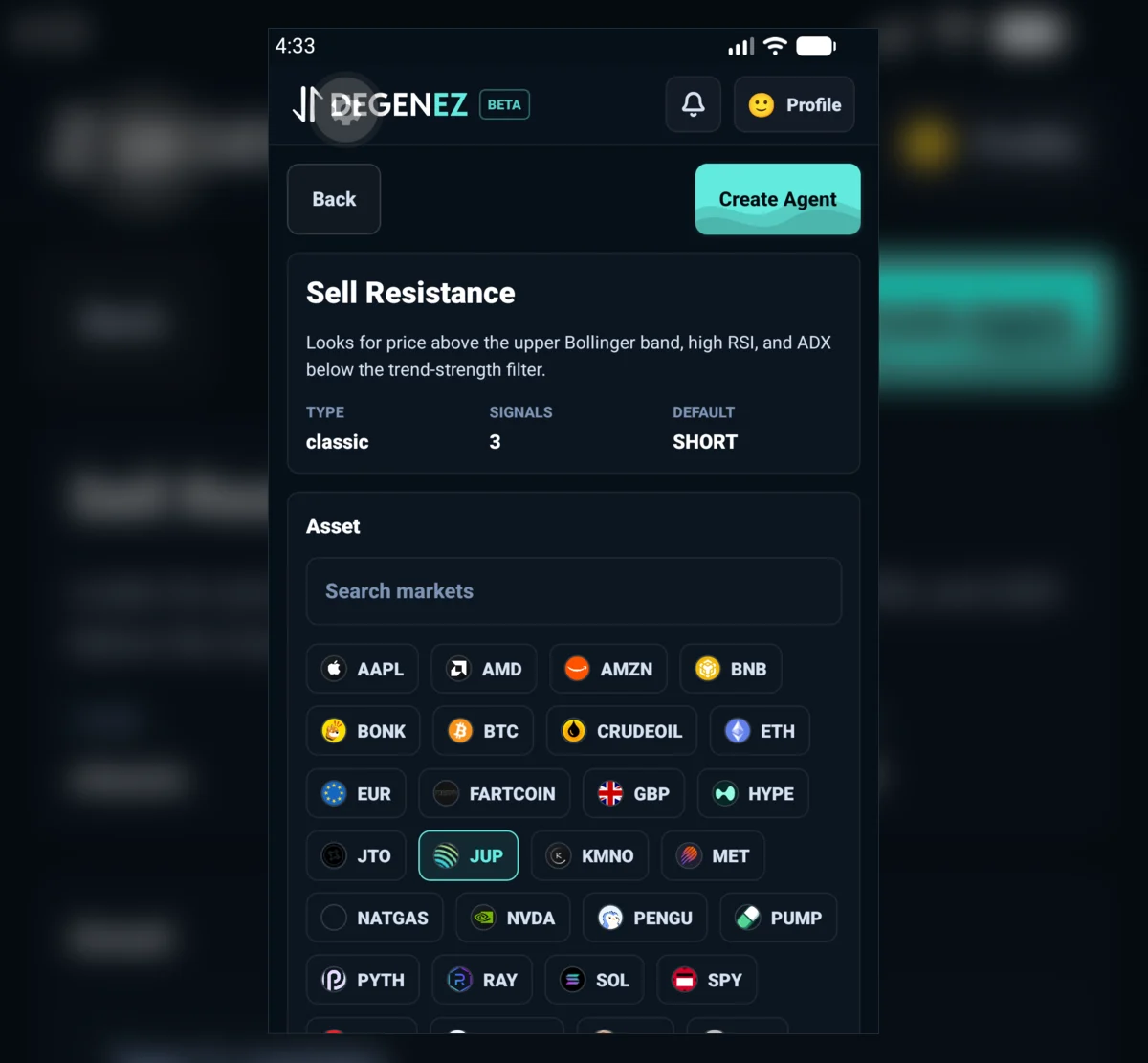
Run the same automated trading flow from your Solana Seeker. Mobile agents stay separate and are managed through the Seeker vault for safer isolation, while signals, tracking, and controls stay available on the go.
FAQ
Quick answers on custody, automation, performance tracking, agent chat, and trading risk.
Agents are trading bots that turn strategy rules and market inputs into trackable trading decisions.
You can start from backtested strategy templates, then tune the bot around the markets, inputs, and risk profile you care about.